nodes:
  solar:
    inside: { entity: sensor.pv_energy_today, decimals: 1 }       # in the circle
    label: { entity: sensor.pv_forecast_remaining, prefix: Forecast }
  grid:
    label: { entity: sensor.grid_import_today, prefix: Import, decimals: 0 }
  house:
    show_name: false
    inside: { entity: sensor.self_sufficiency, position: below }
  battery:
    show_state: false
label: { entity: sensor.battery_remaining_energy, prefix: Left, weight: bold }Extra values at the nodes
Each node can show a second value: today’s yield next to the PV power, the energy drawn from the grid today, a self-sufficiency rate at the house, the battery’s remaining energy. It can be any entity - the card shows its state the way Home Assistant does and computes nothing itself.
Try it: the switches change the same extra values at all four nodes - in the circle a figure for today, with the label a second one with a prefix. The battery has no value in the circle. Below is the YAML for it; in the editor each node is set on its own.
Different at each node, for example:
insidesits in the circle, above the icon (position: above, the default) or under the value (below). There is room for a number and its unit, not more. The battery has none - it already shows two values there.labelsits right next to the circle, with an optionalprefixin front. Too long for the room it has, the prefix is shortened first.decimals:ha(default) writes the value as Home Assistant does, including the display precision set in the entity’s settings.0–3fixes the decimals,sig2–sig4the significant digits, whatever the unit. The unit is never converted - Wh stay Wh.size(60–150 %, default 100, relative to the node value or the label) andweight(normal- the default -,medium,bold) per field; the colour is under Colours (colors.solar_inside,colors.house_label, … - grey by default).show_nameandshow_statehide the name ("PV", "Grid", …) and the state word ("export", "charging") - with or without extra values. Without the state word only the colour tells the direction.- Extra values always show the current state, also in the average views. Tapping a value next to the circle or above the icon opens its own history; one under the value belongs to the node and opens the node’s entity.
decimalsdoes nothing for text, money, durations and points in time - those always look as in Home Assistant. And a node’s own power entity used as an extra value is written the way Home Assistant writes it ("3800 W"), not the way the card does ("3.80 kW").
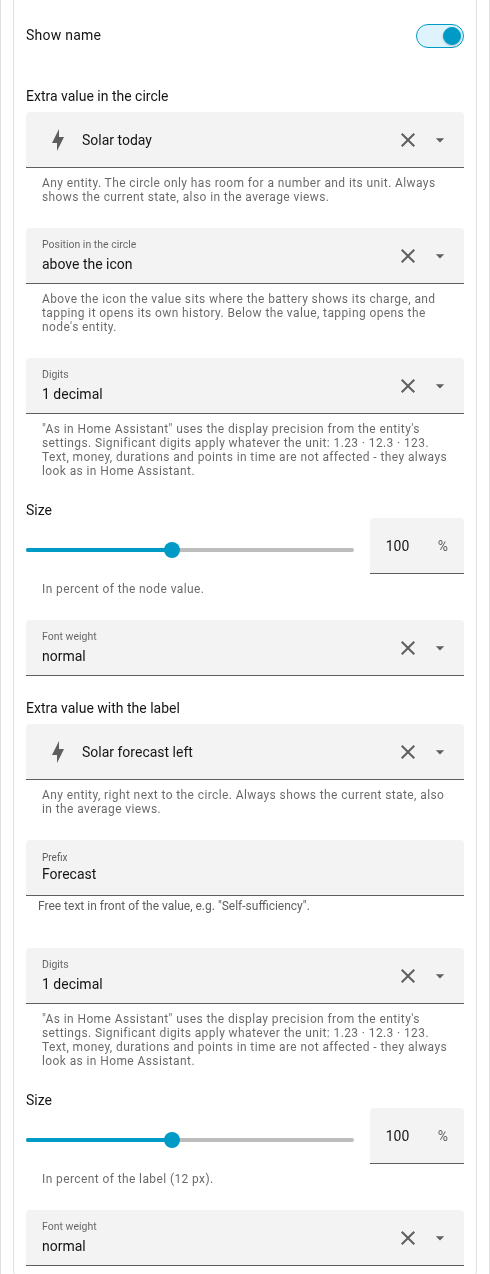
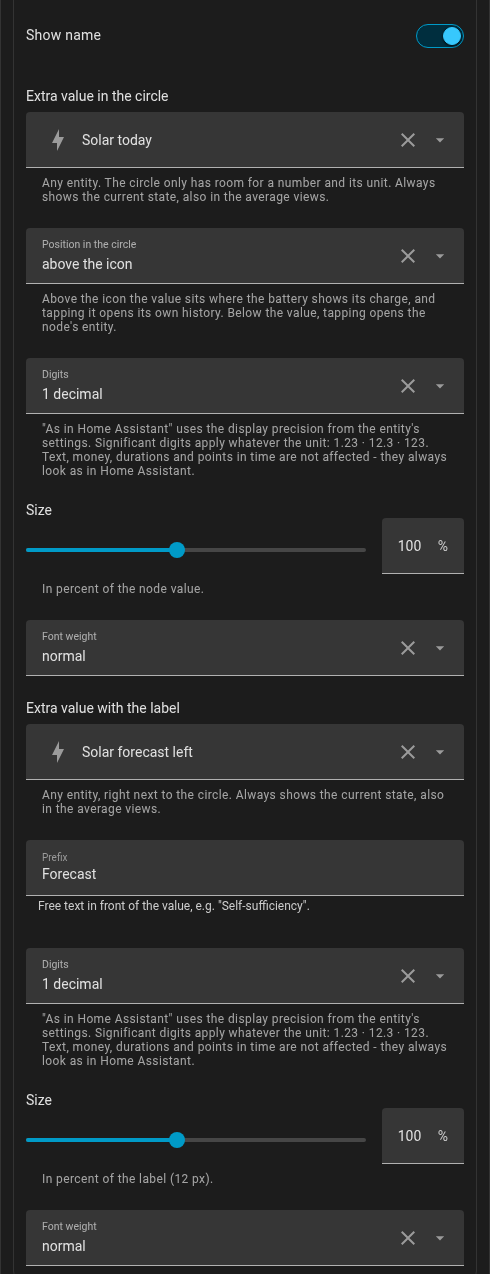
In the editor: Main entities: labels & extra values, one section per node - here solar, with today’s yield in the circle and the forecast beside it: