Animations
The card moves two things: the consumer ring when the order of the consumers
changes, and the dots on the lines that show the flow. Both can be set. Under
Flows → Motion, off stops every movement; the default auto follows the
device’s "reduce motion" setting.
The ring
The list sorts itself by power on a fixed beat, and the ring follows it. There are three ways it can do that:
- Overtake (default): every segment travels to its new place. One that moves forward dives to an inner lane, passes underneath the others and surfaces at its place.
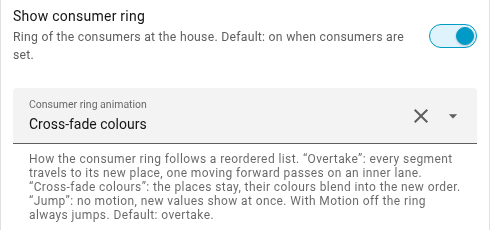
- Cross-fade colours: the places stay where they are, their colours blend into the new order. Calmer, above all when the order changes often.
- Jump: no movement, the ring stands in the new order at once.
Try it: in this card four consumers trade places every four seconds, one segment passing one, two or all three of the others. List and quick buttons are hidden, so that only the ring is to be seen.
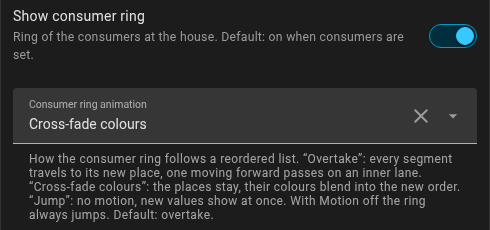
In the editor the choice is under Display → Consumer ring animation:
The PV ring of several sources follows the same setting.
The dots
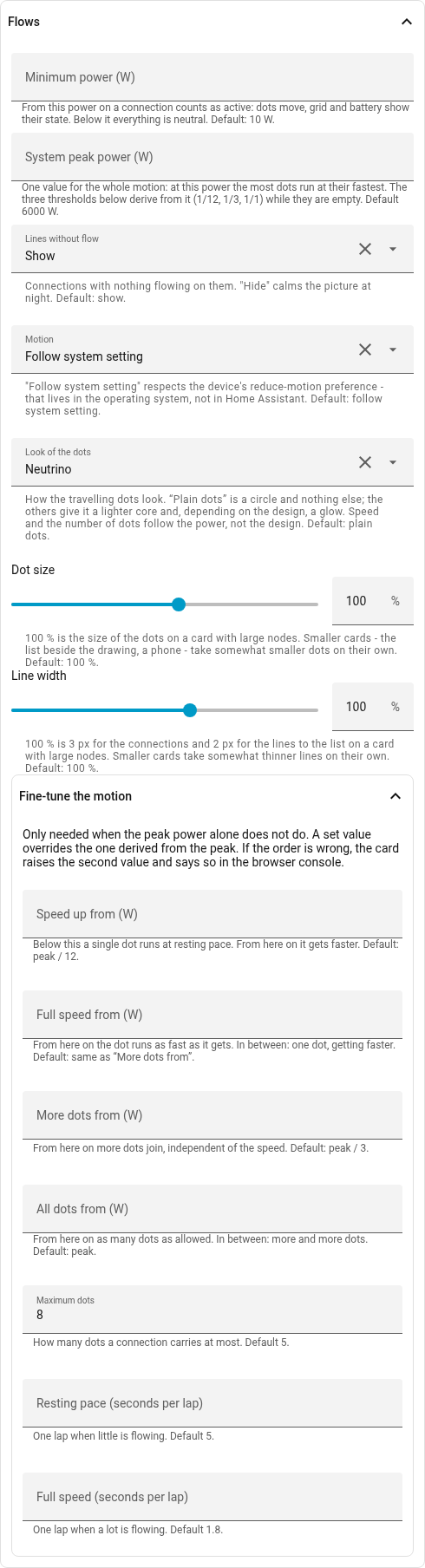
The dots show where power flows. Their speed and number depend on the power: below the minimum power (default 10 W) none runs, above it one slow dot first; with more power it gets faster, then more join, until top speed and the maximum dots are reached. Where that is, one value says: the peak power of the plant (default 6000 W); for more control the single thresholds are under Fine-tune the motion.
Which line runs. Only the nodes are measured; the card derives how the power splits onto the lines. The default fits almost every installation; special cases are at the end of the page under When battery and grid work against each other.
What a dot looks like is its design: Plain dots (default) are a circle with nothing else, the others give it a bright core and, depending on the design, a glow. The design changes only the look, never speed or number.
Try it: here all values stand still and nothing re-sorts - only the dots move. The switches choose the design, the sliders the maximum number of dots (the card takes 2 to 10, default 5), the dot size (40 to 150 %, default 100) and the speed: seconds a run at the lower and at the upper threshold, default 5 and 1.8. Below the lower threshold a dot still slows a little with less power, about 5 % per halving, at most 30 % - so several small sources do not run in lockstep.
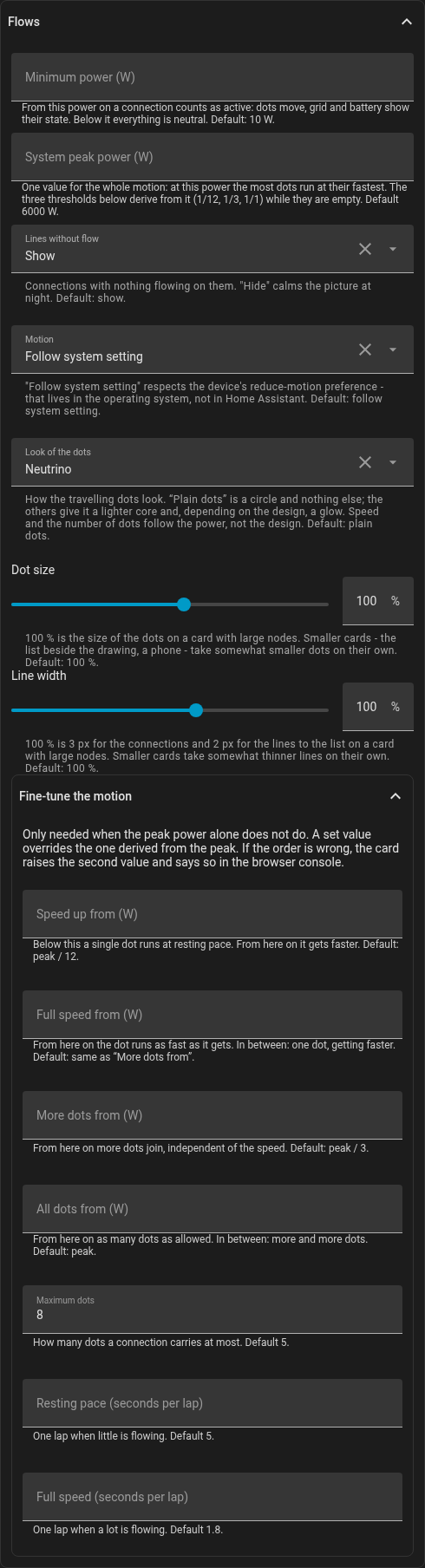
In the editor: the group Flows. Maximum dots and speed are under Fine-tune the motion.
ring:
  animation: fade          # overtake | fade | jump
flow:
  animation: auto          # auto | on | off
  design: neutrino
  max_dots: 8
  slow_s: 8                # seconds a run at the lower threshold
  fast_s: 3                # ... with a lot of power
When battery and grid work against each other
The default fits almost every installation; this chapter matters only if your battery has a different task. Which line runs is mostly clear. It is ambiguous only when battery and grid work against each other:
- A: battery discharges during export.
- B: battery charges during import.
Which reading fits depends on the battery’s task, set with
flow.battery_task:
zero_grid(default): the battery is to keep the exchange with the grid at zero - the usual self-consumption, and arbitrage with a dynamic tariff too. PV supplies the house first; whatever the battery still trades with the grid runs between battery and grid: in A the battery feeds the grid, in B it charges from the grid.supply_house: the battery supplies the house and stores PV, PV and grid do the trading - useful with a high feed-in tariff, with "battery first", or for the same picture as Home Assistant’s energy dashboard. In A the PV goes to the grid and the battery to the house, in B the PV charges the battery and the house draws from the grid.
This setting exists in YAML only - the editor has no field for it and leaves it as it is:
flow:
  battery_task: supply_house   # zero_grid (default) | supply_house
Try it: the values stand still, PV covers the house each time.
In the kWh views the card draws an exchange between battery and grid only as far as the values force it, because within one stretch of time discharging and exporting mostly happen one after the other.